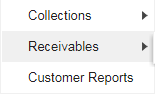
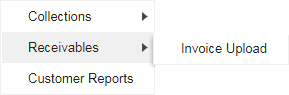
Click here to navigate to Collections and Receivables module
View Receivables option under Initiate menu
Click here to Initiate Receivables
Click to initiate Invoice Upload
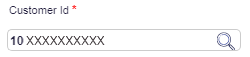

Select the Customer ID from LookUp
Select the Customer ID by double clicking on a row / record
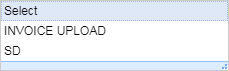
Select the Template Name from the list
Click here to view the Template details
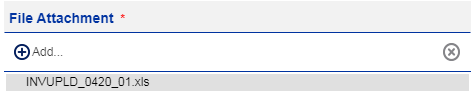
Click on the Add button to attach a file
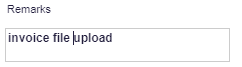
Enter the Remarks
Click on Upload to proceed further
Displays the details
Click to confirm
Displays the confirmation details