Click to navigate to Collections and Receivables
Click to Authorize or to Reject the transaction
Select on the transaction to Authorize
Click to Authorize the selected transaction
Click to Authorize
Displays the confirmation details
Select on the transaction to Reject
Click on Reject
Click on Reject
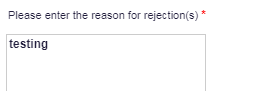
Enter the Reject Reason
Click on Submit
Displays the confirmation
Click on Rejected Files to Delete the Transaction
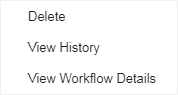
Right click on the transaction to view History
Click on View History
Displays the History details
Right click on the transaction to view workflow
Click on View Workflow
Displays the Workflow details
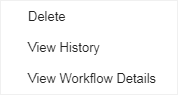
Right click on the transaction to Delete
Click on Delete
Click on Delete
Click on Yes
Displays the Confirmation details