Click to navigate to Payments
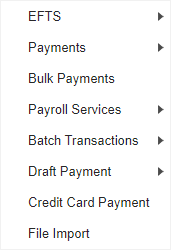
View EFTS option under "Initiate"
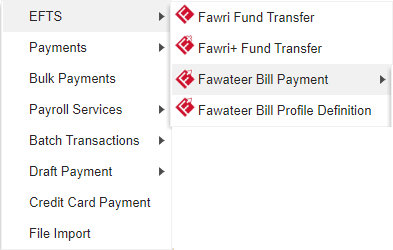
Click Fawateer Bill Payment options to initiate
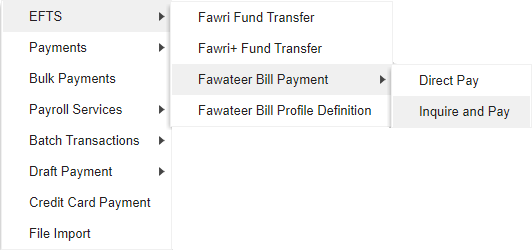
Click to initiate Fawateer Inquire and Pay
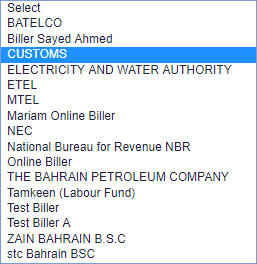


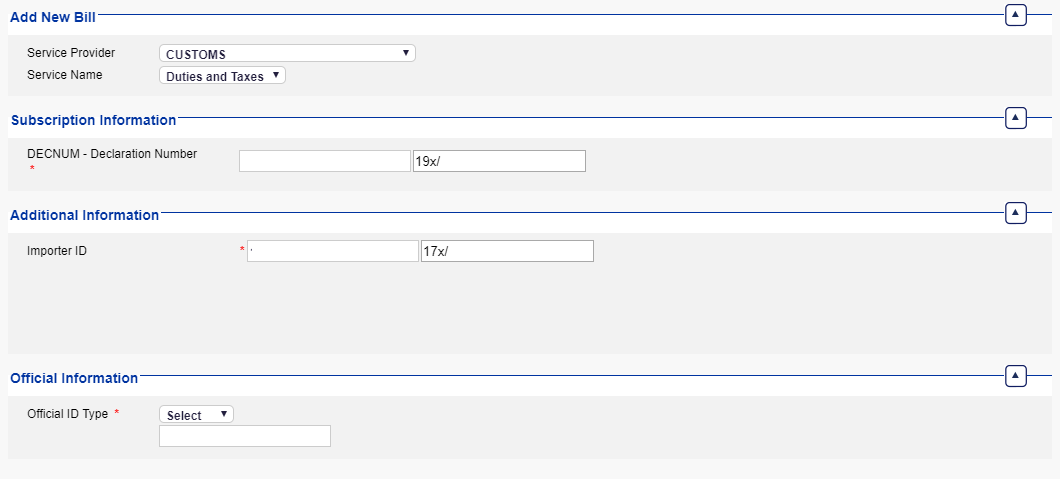


Select the Service Provider from dropdown
Select the Service Name from dropdown
Enter the Declaration Number
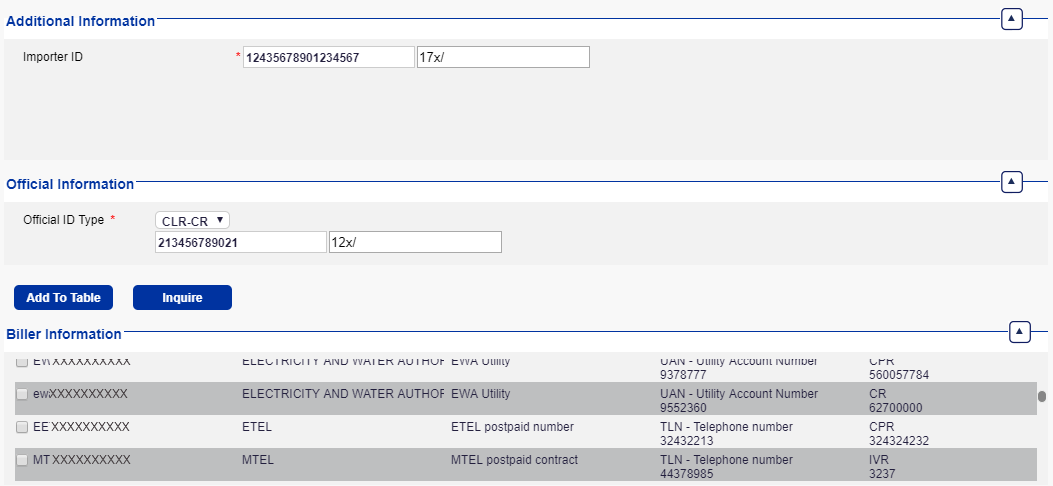
Enter the Importer ID
Select the Official ID Type
Click on Add to Table
Click on Ok
Click to Submit
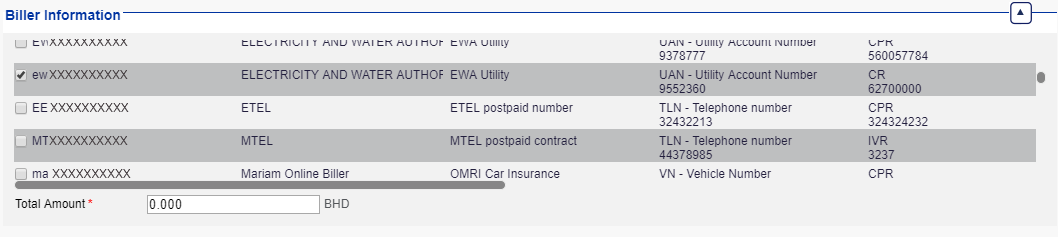
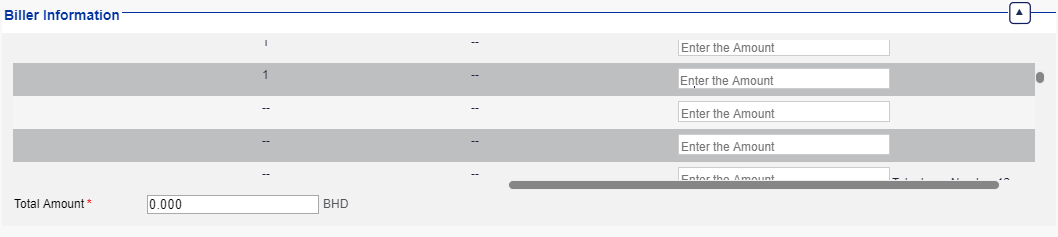
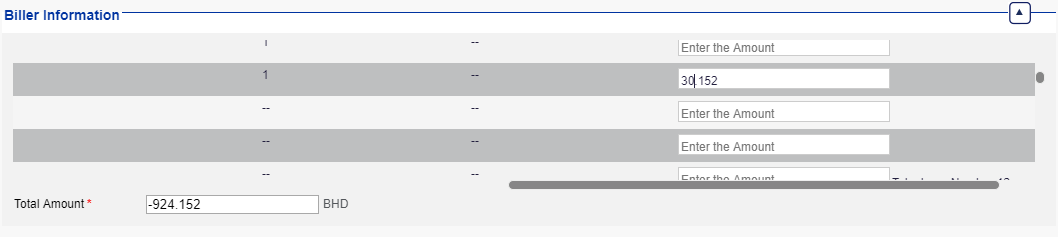
Enter the Amount
Enter the Total Amount
Click on Inquire
Click to Submit
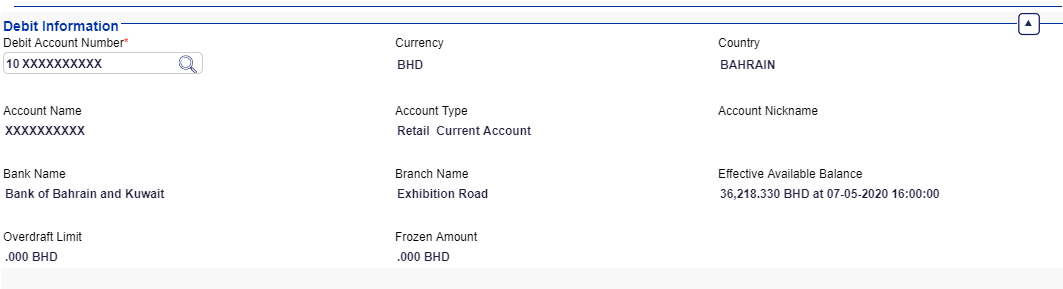
Select debit information using lookup
Select a debit account by double clicking on a row / record
Click to Submit
Click to confirm
Status will be "Ready for Authorization" if transaction requires further approval